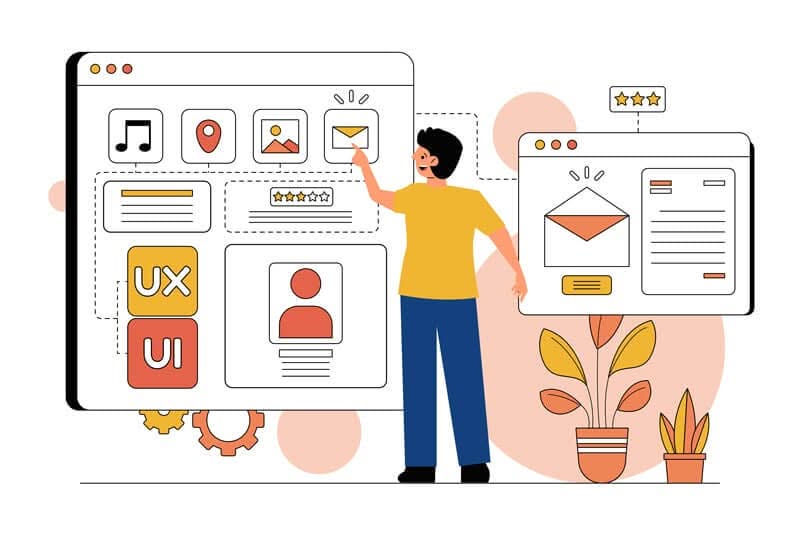
User experience (UX) is a multifaceted concept that encompasses every interaction a user has with a product, service, or system. It is not merely about usability; rather, it involves the overall satisfaction and emotional response a user experiences while engaging with a digital interface. A deep understanding of user experience requires an exploration of user needs, behaviors, and motivations.
By employing methods such as user research, surveys, and usability testing, designers can gather valuable insights that inform their design decisions. This foundational knowledge allows for the creation of products that resonate with users on a personal level, ultimately leading to increased engagement and loyalty. Moreover, understanding user experience extends beyond the initial interaction.
It involves considering the entire journey a user takes, from discovering a product to using it and seeking support afterward. This holistic approach ensures that every touchpoint is optimised for satisfaction. For instance, if a user encounters difficulties during the onboarding process, it can lead to frustration and abandonment.
Therefore, designers must prioritise seamless transitions and intuitive interfaces that guide users effortlessly through their journey. By focusing on the nuances of user experience, businesses can foster deeper connections with their audience and create products that not only meet but exceed expectations.
Key Takeaways
- User experience is crucial for the success of a website or app, and it involves understanding the needs and behaviours of the target audience.
- Visual hierarchy and layout play a key role in guiding users through the content and highlighting important information.
- Effective navigation is essential for helping users find what they are looking for quickly and easily, improving their overall experience.
- Responsive design is important for ensuring that the website or app looks and functions well on different devices and screen sizes.
- Choosing the right colour scheme and typography can greatly impact the overall look and feel of the website or app, as well as the user experience.
Utilising Visual Hierarchy and Layout
Creating a Clear Path for Users
For example, larger headlines naturally draw the eye first, while smaller text can provide supporting information. By establishing a clear visual hierarchy, designers can ensure that users quickly grasp the most important information without feeling overwhelmed.
The Role of Layout in User Interaction
In addition to visual hierarchy, layout plays a significant role in how users interact with content. A well-structured layout not only enhances readability but also improves the overall aesthetic appeal of a design. Grids and alignment can be employed to create balance and harmony within a page, making it easier for users to digest information.
Enhancing User Experience through Whitespace and Readability
Furthermore, whitespace should not be overlooked; it provides breathing room for elements and helps to reduce cognitive load. When users can easily scan a page and find what they need, they are more likely to engage with the content and take desired actions.
Incorporating Effective Navigation

Effective navigation is paramount in ensuring that users can find what they are looking for without frustration. A well-designed navigation system acts as a roadmap, guiding users through the various sections of a website or application. It should be intuitive and consistent across all pages to minimize confusion.
Common practices include using familiar terminology for menu items and organizing content logically. For instance, grouping related items together can help users locate information quickly and efficiently. Moreover, incorporating breadcrumbs and search functionality can further enhance navigation.
Breadcrumbs provide users with context about their current location within the site hierarchy, allowing them to backtrack easily if needed. A robust search feature enables users to bypass navigation altogether by directly entering keywords related to their query. By prioritising effective navigation, designers can create a more user-friendly experience that encourages exploration and reduces bounce rates.
Implementing Responsive Design
In today's digital landscape, responsive design is no longer optional; it is essential. With an increasing number of users accessing websites on various devices—ranging from smartphones to tablets to desktops—designers must ensure that their interfaces adapt seamlessly to different screen sizes. Responsive design involves using flexible grids, images, and CSS media queries to create layouts that adjust based on the user's device.
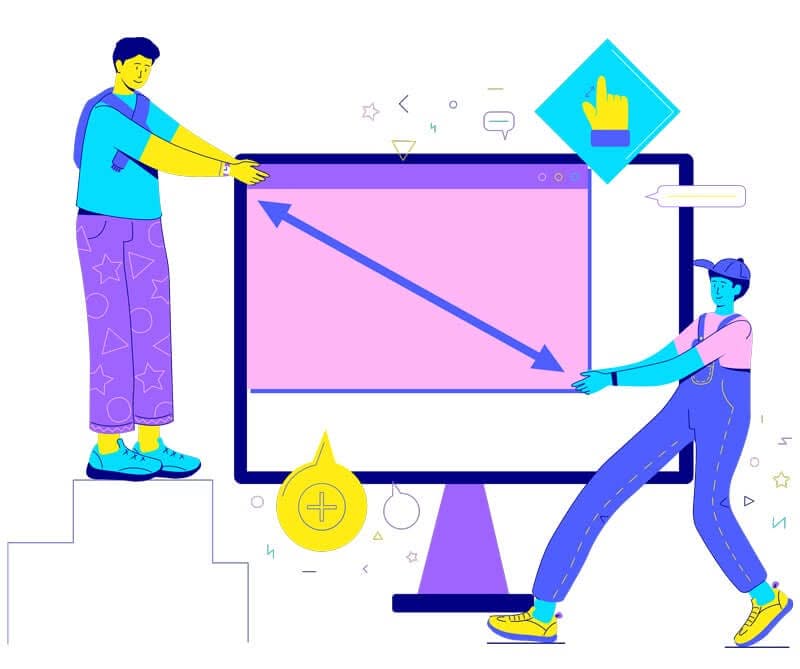
This approach not only enhances usability but also improves search engine rankings, as search engines favor mobile-friendly sites. Furthermore, responsive design goes beyond mere aesthetics; it also considers functionality. Touch interactions on mobile devices differ significantly from mouse interactions on desktops.
Designers must account for these differences by ensuring that buttons are appropriately sized for touch and that navigation menus are easily accessible on smaller screens. By implementing responsive design principles, businesses can reach a broader audience and provide a consistent experience across all platforms.
| Metrics | Value |
| Page Load Time | 3.2 seconds |
| Mobile Traffic | 45% |
| Desktop Traffic | 55% |
Choosing the Right Colour Scheme and Typography
Colour scheme and typography are fundamental elements of design that significantly impact user perception and engagement. The right colour palette can evoke emotions and set the tone for a brand or product. For instance, warm colours like red and orange can create feelings of excitement or urgency, while cooler tones like blue and green often convey calmness and trustworthiness.
Designers should carefully consider their target audience when selecting colours to ensure they resonate with users' preferences and cultural associations. Typography also plays a crucial role in conveying information effectively. The choice of font can influence readability and overall aesthetic appeal.
Designers should prioritise legibility by selecting fonts that are easy to read across various devices and sizes. Additionally, establishing a clear typographic hierarchy—using different font sizes and weights for headings, subheadings, and body text—can enhance the overall structure of content. By thoughtfully choosing colour schemes and typography, designers can create visually appealing interfaces that enhance user experience.
Integrating Interactive Elements
- Enhancing User Control and Responsiveness: Features such as buttons, sliders, forms, and animations can provide immediate feedback when users interact with them, enhancing the sense of control and responsiveness within the interface. For instance, incorporating hover effects on buttons can provide immediate feedback when users interact with them.
- Fostering Exploration and Discovery: Interactive elements can facilitate user engagement by encouraging exploration and discovery. For example, interactive infographics allow users to delve deeper into data by clicking on various components to reveal additional information. This not only makes the content more engaging but also helps users retain information more effectively.
- Creating Memorable Experiences: By integrating interactive elements thoughtfully into designs, businesses can create memorable experiences that foster deeper connections with their audience.
Optimising for Speed and Performance
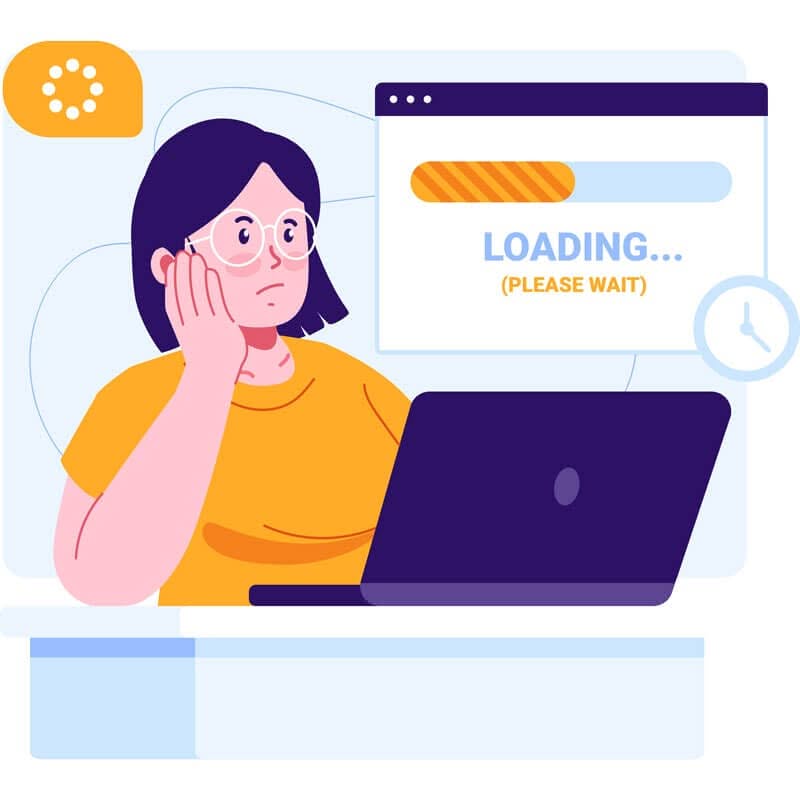
In an era where attention spans are dwindling, optimising for speed and performance is crucial for retaining users' interest. Research indicates that even a one-second delay in page load time can lead to significant increases in bounce rates and decreased user satisfaction. To ensure optimal performance, designers should focus on minimizing file sizes through image compression, leveraging browser caching, and utilizing content delivery networks (CDNs) to distribute content efficiently.
Additionally, performance optimisation extends beyond load times; it also encompasses smooth interactions within the interface. Users expect seamless transitions between pages and quick responses to their actions. Implementing techniques such as lazy loading—where images or content are loaded only when they come into view—can enhance perceived performance while reducing initial load times.
By prioritising speed and performance optimisation, businesses can create a more enjoyable user experience that encourages prolonged engagement.
Testing and Iterating for Improvement
The design process is never truly complete; it requires continuous testing and iteration to ensure optimal user experience. User testing is an invaluable tool that allows designers to gather feedback directly from their target audience. By observing how real users interact with a product or interface, designers can identify pain points and areas for improvement that may not have been apparent during the initial design phase.
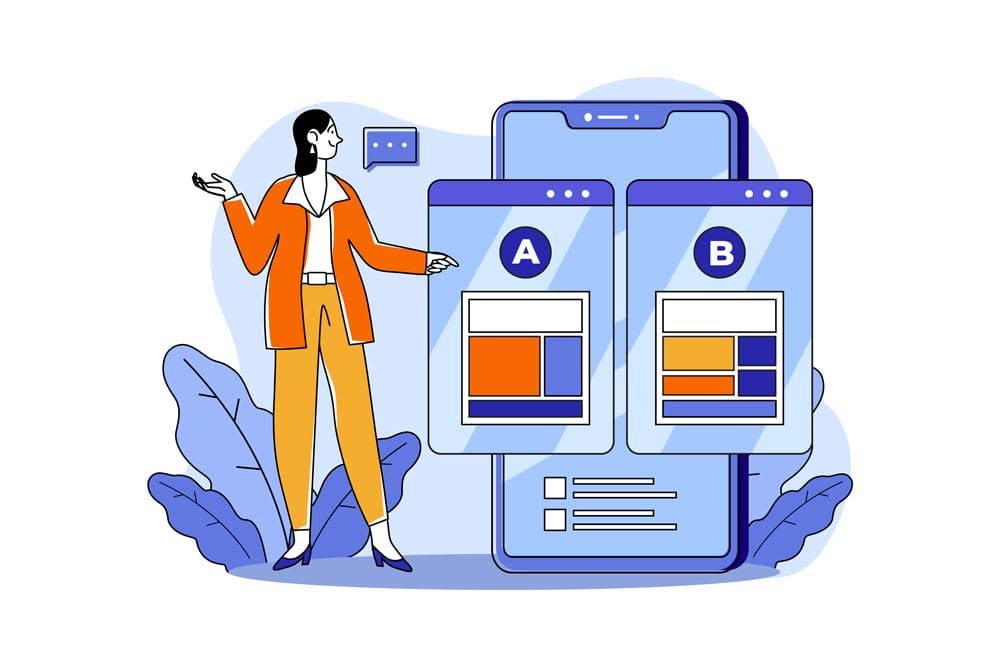
Iteration is equally important in refining designs based on user feedback. This may involve making small adjustments or completely overhauling certain elements based on insights gained from testing sessions. A/B testing is another effective method for comparing different design variations to determine which performs better in terms of user engagement or conversion rates.
By embracing a culture of testing and iteration, businesses can continuously enhance their products and ensure they meet evolving user needs. In conclusion, creating an exceptional user experience requires a comprehensive understanding of various design principles and practices. From establishing effective navigation systems to optimising for speed and performance, each element plays a crucial role in shaping how users interact with digital products.
By prioritising user needs throughout the design process and remaining open to feedback and iteration, businesses can develop interfaces that not only meet but exceed user expectations—ultimately leading to greater satisfaction and loyalty.
If you have any questions or need assistance with your website design, you can always reach out to me at Reem Web Design by visiting my contact page.